Will GTA 6 be on PS4? PlayStation’s current FAQ says no. The Xbox One answer is more useful than a simple no: cloud access is announced, although the native installation belongs to Xbox Series X|S. A GTA 6 Switch 2 version has not been announced.
Start with the machine you already own. The right route may be a new console, a connection test, or keeping your money until a suitable version exists. Those choices have very different costs, and a general “current generation only” answer no longer explains every option.
Find your hardware below, then follow the matching route.
Hardware in your home | GTA 6 access currently announced |
|---|---|
PS4 / PS4 Pro | No PS4 version |
Xbox One family | Xbox Cloud Gaming access |
Nintendo Switch / Switch 2 | No version announced |
PS5 family | Native PS5 version |
Xbox Series X / Series S | Native installation; cloud access also announced |
The platform basis is the PlayStation GTA VI FAQ and Rockstar’s editions and platforms guide, with Xbox One’s newer streaming route detailed separately below.
Will GTA 6 be on PS4?
There is no GTA 6 PS4 product to order. A PS4 Pro does not change that answer. For a PS4 owner, the decision is whether the available PS5 experience justifies moving to supported hardware now.
I start with the practical questions a hardware listing leaves out:
Screen: where will you play, and is it free during your usual hours?
Library: which other available games will you use on the new console?
Budget: what does the console, game, and necessary setup cost together?
Timing: does playing at launch matter enough to pay that total now?
Say your only television is usually occupied during your available evening. A supported console solves compatibility but leaves the access problem intact. Work out the screen arrangement before deciding that a lower hardware price settles the purchase.
Waiting is a valid route for someone still enjoying a PS4 library. You can see how the released game fits your taste, then buy with better information about performance and day-to-day play. The cost of waiting is missing some early discussion; the benefit is making a less speculative purchase.
My PS4-owner rule: the upgrade should buy evenings you can actually use, plus games you want. Compatibility is the beginning of the decision.
A collection can also affect the choice. Our GTA 6 physical-box guide explains the current package format. Check what you receive before choosing hardware around an assumed disc purchase.
Will GTA 6 be on Xbox One?
Xbox’s November 10 announcement names Xbox One cloud access from November 19 at 1 a.m. Eastern. The game is purchased separately. Availability depends on the supported market and applicable service terms, including the access option attached to your account.
For someone searching for Grand Theft Auto 6 Xbox support on older hardware, this creates a potentially cheaper route. The processing takes place remotely, so connection quality becomes part of the playing experience.
Give it a normal-evening test
Use another cloud title you already have access to before buying GTA 6 specifically for this route. Test from the console’s actual location while the household uses its connection normally.
Try ordinary movement. Watch how the picture handles a moving camera and changing scenery.
Try controlled inputs. Notice whether steering or aiming feels comfortable to you.
Stay for a normal session. A brief successful connection does not show how the evening behaves.
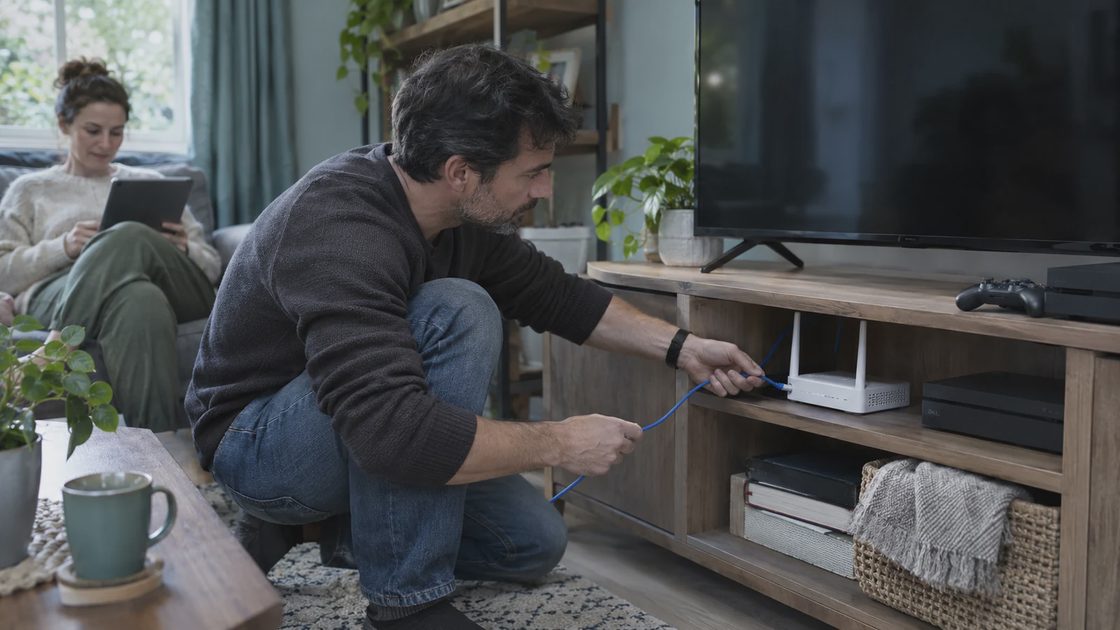
Change one thing. A wired connection, where practical, lets you compare against the Wi-Fi route without changing the whole setup.
Use the result to make the purchase decision:
What you notice | What to do next |
|---|---|
Comfortable response and a stable picture | Compare the game plus access cost with buying hardware |
Better results over Ethernet | Decide whether that wired arrangement is practical long term |
Frequent interruptions or uncomfortable delay | Consider a native-installation console or wait |
Access terms are still unclear | Resolve the account and service details before checkout |
Xbox’s announcement introduces optional cloud play time without Game Pass membership. Read the current offer for your account rather than automatically adding a subscription or assuming unlimited access.
Record the connection test
Record the room, connection method, time of evening, and what other devices are doing. Beside them, use three plain observations: picture stayed clear, inputs felt comfortable, session remained stable. You are collecting the information needed for this household, rather than trying to prove the service is universally good or bad.
If one trial is poor, change the obvious variable before buying hardware. Comparing Wi-Fi and a practical wired arrangement can tell you whether the connection route deserves more attention. Repeated comfortable results make cloud access easier to budget for; repeated frustrating sessions make a local installation more attractive.
Keep the test limited to an option you already have available. You should not need several new purchases just to learn whether the supposed cheaper route feels usable.
Cloud or Series installation?
Cloud access can remove an immediate hardware purchase and a full local game installation. Native installation on a supported Series console reduces dependence on streaming quality during play and uses local playable storage.
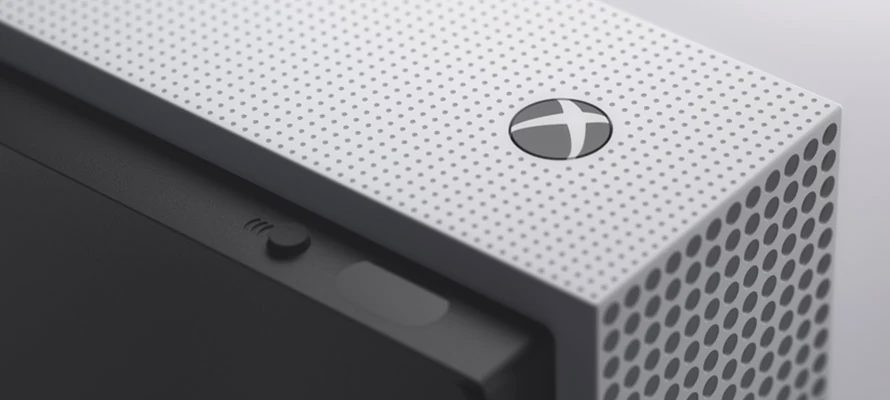
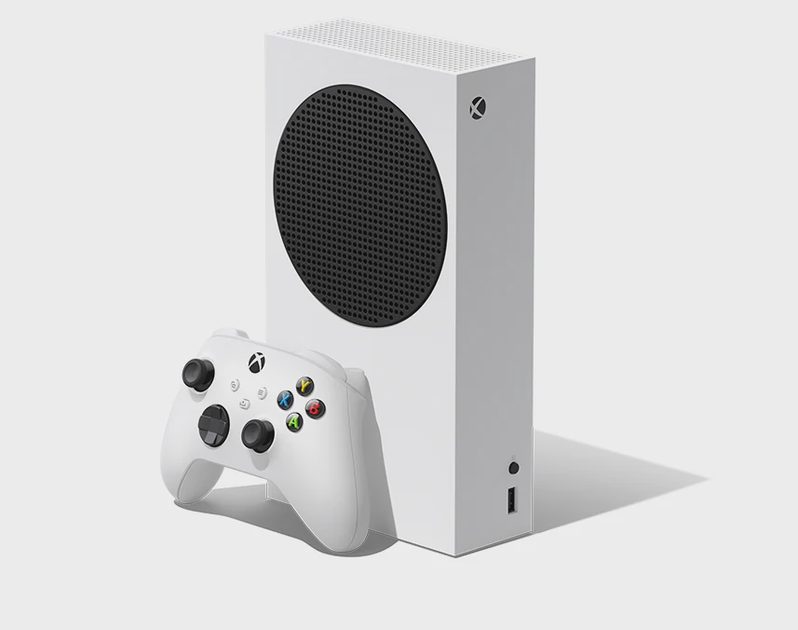
The official product images here help identify Xbox One S and Series S hardware. The names are similar; recording the full model in your purchase note is more reliable than remembering only the letter S.
GTA 6 Switch 2: does the alternative fit handheld time?
Will GTA 6 be on Switch 2? Rockstar’s checked platform listings do not announce that version. There is no Switch 2 release date or performance profile to build a purchase around.
For many Switch owners, portability is the main constraint. “Buy a console” can be unhelpful advice when your available time happens away from the television.
Match the actual need to the route:
Another person uses the TV: investigate an existing supported remote-play arrangement or another available screen.
You play away from home: evaluate the connection requirement wherever you intend to use remote access.
You need offline handheld play: wait for a product that explicitly supports that experience.
Those are different situations. A route that works around television competition may be unsuitable for a trip with unreliable internet.
Protect handheld time
Picture a reader whose gaming happens in short handheld sessions while the main screen is occupied. A new television console can offer the desired game while leaving most of those sessions unavailable. The hardware comparison should include that loss of convenience.
List one ordinary week of opportunities: where you sit, whether internet is available, and how much setup the moment allows. Compare a proposed access route with those opportunities. A solution that works only during a rare quiet weekend may be a much more expensive change than its checkout total suggests.
Buying Switch 2 for games already announced on it is a separate decision. I leave GTA 6 out of that console’s promised value until a version exists. Otherwise, one unanswered platform question can end up carrying the entire hardware purchase.
PC owners considering a console detour can use the GTA 6 PC release-status guide. There is no announced PC date to use as a guaranteed endpoint for the detour.
Your checkout note
A useful purchase note is short enough to read beside the order button. Fill these fields with your actual details:
Console: exact model
Route: local installation or cloud access
Owner: purchasing account and region
Cost: game, hardware, and chosen access terms
Place: the screen and connection you will use
For a gift, obtain the recipient’s exact console model first. An edition with attractive bonuses still creates work when the platform or access route is wrong. The simplest helpful question is, “Which machine will you play it on?”
For GTA6 for Xbox purchases, keep the distinction between Xbox One cloud access and Xbox Series installation in that note. For PS4 and Switch owners, write the complete cost of changing platforms before comparing promotions.
For a gift or shared household purchase, complete the route note with the person who will use it. Ask who controls the purchasing account, who handles any ongoing service, and where the console will be set up. These are practical handover details that can prevent a good intention from becoming an account or access problem on launch evening.
For a native installation, check available playable storage on the destination console before ordering extras. Include only the expansion your actual library needs.
Save the product link and order confirmation together. Once the route, account, and budget line up, you have finished the compatibility decision. Spend the remaining preparation time on the setup you will use, rather than continuing to compare every machine on the market.
No letters yet.